
Skip to content
12:04:47
$14.27$9.99Get Credits
WearMindWearMind
English
AI Virtual Try-On

Clothes Swap AI

Plan a realistic outfit replacement with the right person photo, garment reference, and edit scope before you move into the try-on generator.

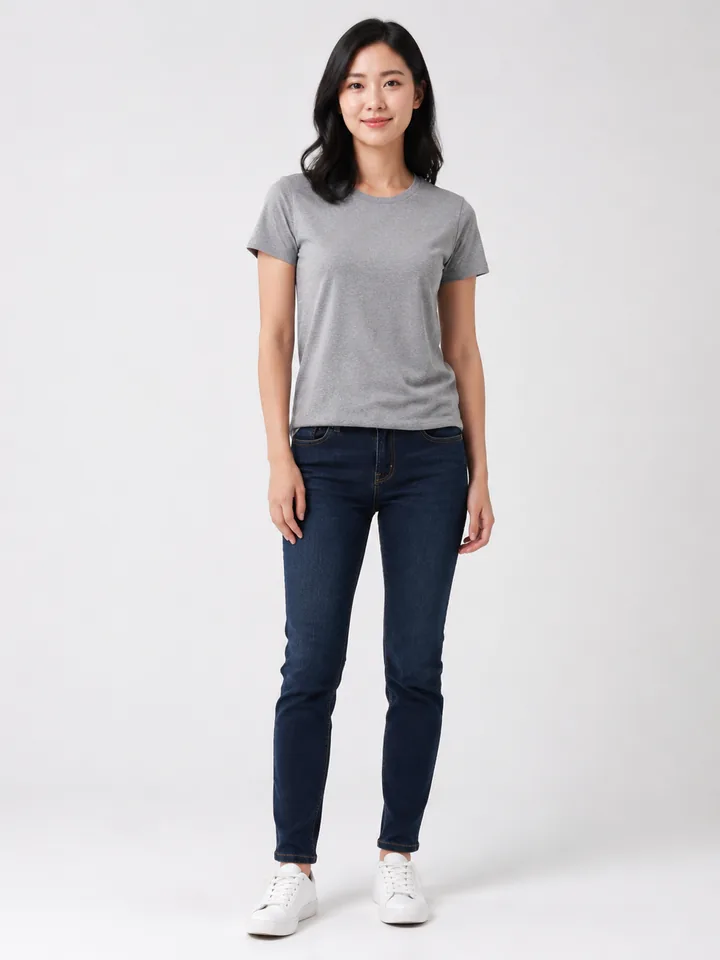
Clothes Swap AI visual example 1: source image
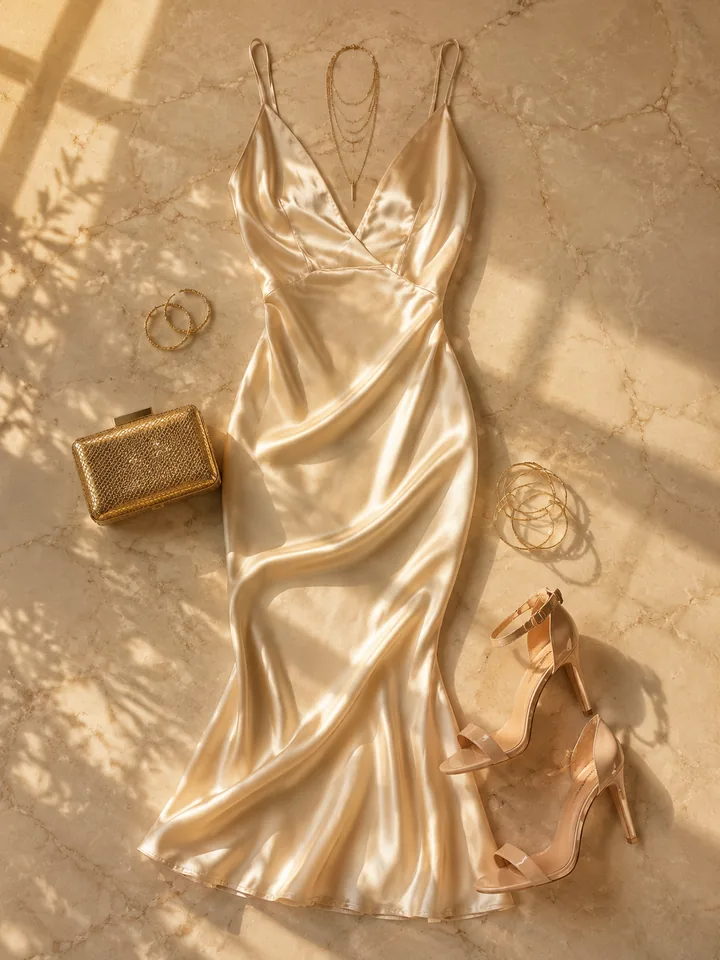
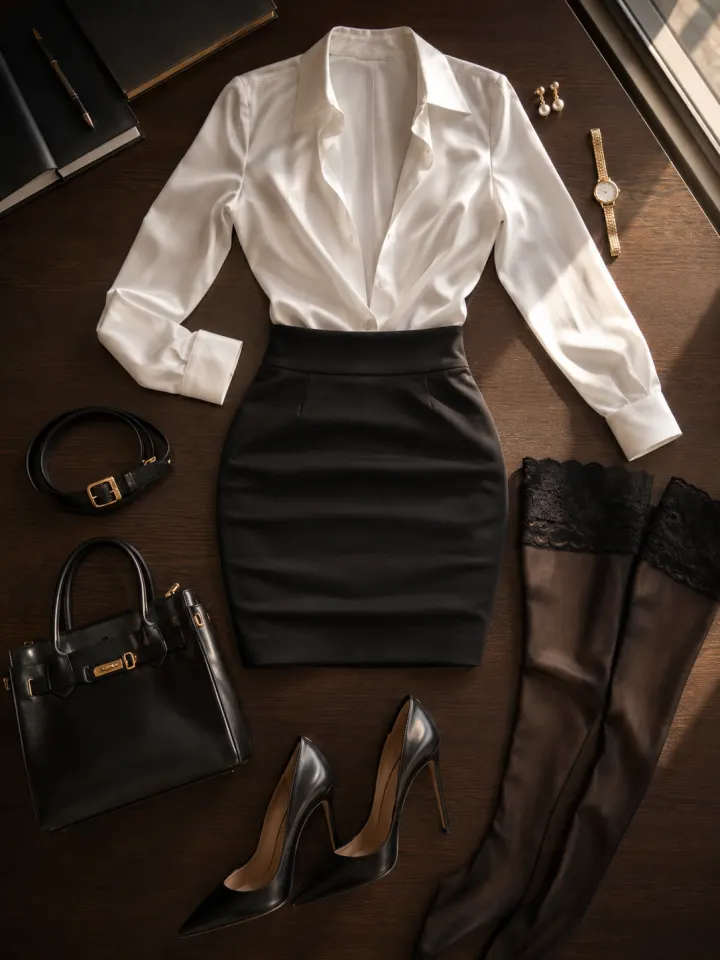
Clothes Swap AI visual example 2: reference image
Clothes Swap AI visual example 3: AI result

Decide whether the swap is the whole task

This workflow is strongest when the person, pose, and scene should stay recognizable and only the visible outfit needs to change. If you also want a new location, a different camera angle, or a new body pose, separate that into another edit. Keeping the brief narrow helps the final image preserve identity, lighting, and proportions instead of becoming a full re-generation.
Clothes Swap AI visual example 1: Decide whether the swap is the whole task

Use inputs that show edges, length, and lighting

A sharp person photo gives the system enough context to place collars, sleeves, waistlines, hems, and shadows. For the clothing reference, a clean product photo or on-model image usually works better than a cropped social screenshot. Flat lays can be useful for simple tops, but longer garments need visible length and structure so the generated outfit does not look pasted on.

Clothes Swap AI visual example 2: Use inputs that show edges, length, and lighting

Protect identity and product details

A believable outfit swap keeps the face, hair, skin tone, body angle, and background stable while replacing the garment area. If the clothing has a logo, print, zipper, or unusual fabric, mention that detail in your review pass and compare the output against the reference. Small differences are normal in a draft; distorted branding or incorrect garment construction should be regenerated.

Clothes Swap AI visual example 3: Protect identity and product details

Move to generation only when the brief is clear

This page is a preparation guide, not a separate upload flow. Use it to decide which images to use and what should remain unchanged. When the inputs are ready, open the virtual try-on generator, run a preview, and inspect the result before using it in a product listing, ad concept, social post, or client deck.

Clothes Swap AI visual example 4: Move to generation only when the brief is clear

Frequently Asked Questions

What does this outfit-swap workflow do?

It combines a person photo with garment references so you can preview an outfit change before a shoot, listing update, ad draft, or styling decision. The goal is a realistic replacement, not a totally new person or scene.

Is this different from a clothes changer tool?

The search intent is narrower. Clothes swap queries usually mean replacing garments in an existing photo. Clothes changer queries can also include try-on, styling, multiple outfit references, and direct upload tools.

Can I swap a dress onto a model?

Yes, but use a full-body or three-quarter person photo and a dress reference that shows length, neckline, sleeves, and skirt shape. Dresses fail more often when the source image crops out legs or hides the garment edge.

Do flat-lay clothing photos work?

Sometimes. Flat lays are useful for simple tops and clean silhouettes, but on-model or mannequin references provide more information about folds, collar height, sleeve length, waist position, and fabric weight.

Where do I generate the image?

Generate in the virtual try-on flow once your inputs are ready. This URL is kept as a guide for planning and search intent, while the main tool handles uploads, quality settings, credits, polling, and download.

Start Free — 25 Credits, No Card

Build your first outfit swap planning result in under 2 minutes. Commercial rights included.

Try Virtual Try-On