
Free AI Video Generator With
No Restrictions
Upload any photo, describe the motion, and create a 5 or 8-second video in SD or HD. Start with 10 free credits. No credit card required.
Drop an image here
Video preview
SampleTry an example
Motion That Captivates
Turn any still fashion photo into a runway-ready clip in three steps.
1. Image
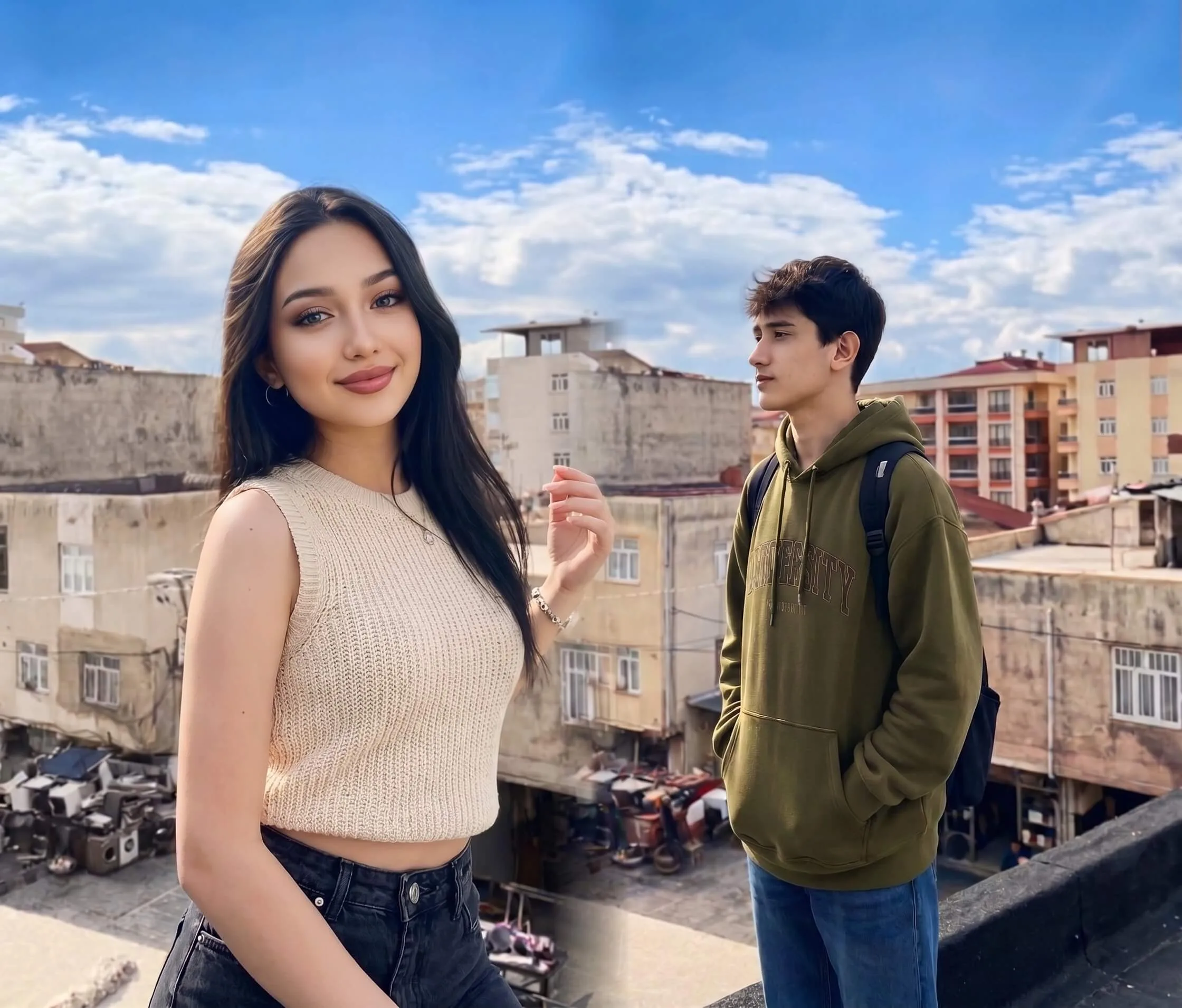
2. Prompt
"The scene should be set from the first moment, with the couple's lips pressed together, conveying hungry desire. The medium shot framing should showcase their upper bodies, with one person gently cupping the other's face while their other hand caresses their partner's chest through clothing..."
3. Video
One photo and a line about what should happen. You get a short clip back in about a minute — ready for TikTok, Reels or a product listing.
Dynamic Fashion Showcase
See how our AI brings static images to life with cinematic realism, natural fabric physics, and prompt-driven control.
"Cinematic slow motion, walking confidently, elegant drape..."
"Cinematic slow motion, walking confidently, elegant drape..."
"Cinematic slow motion, walking confidently, elegant drape..."
"Cinematic slow motion, walking confidently, elegant drape..."
"Cinematic slow motion, walking confidently, elegant drape..."
"Cinematic slow motion, walking confidently, elegant drape..."
"Cinematic slow motion, walking confidently, elegant drape..."
"Cinematic slow motion, walking confidently, elegant drape..."
"Cinematic slow motion, walking confidently, elegant drape..."
"Cinematic slow motion, walking confidently, elegant drape..."
"Cinematic slow motion, walking confidently, elegant drape..."
"Cinematic slow motion, walking confidently, elegant drape..."
Cinematic Realism
Advanced physics simulation ensures hair, fabric, and lighting react naturally to movement. Our AI understands the material properties of different garments, creating lifelike drape and flow that static images simply cannot convey.
Prompt-Driven Control
“The scene should be set from the first moment, with the couple's lips pressed together, conveying hungry desire. The medium shot framing should showcase their upper bodies, with one person gently cupping the other's face while their other hand caresses their partner's chest through clothing. The partner should be pulling them closer, with their body arching into the kiss. The description should include moments where they lock eyes, displaying raw longing, before their lips meet again. The characters should be dressed in low-cut tops, with deep cleavage visible but nipples hidden beneath fabric. The male character's chest should remain flat and masculine. The scene should convey flushed skin and steamy, intimate chemistry, with a passionate embrace. Ensure the description is vivid, yet respectful, and adheres to a moderate level of sensuality.”
Need a Perfect Outfit First?
Use our Virtual Try-On to generate a high-quality base image before animating it.
Go to Virtual Try-OnVideo Generation FAQ
Common questions about animating your images.
How does the AI Video Generator work with Virtual Try-On?
What kind of prompts work best?
How long does it take to generate a video?
Can I use images not generated by Virtual Try-On?
Try It Free Today
Get 10 free credits when you sign up. No credit card required.