AI Photo Editor Online Free No Restrictions
Create print-ready clothing designs from text or reference images. No watermarks, no content filters, no usage limits. 1 free video + 10 credits, no credit card needed.
Upload an image
JPG, PNG, WebP, AVIF, HEIC, or GIF, up to 10MB
Design Description
Your design will appear here. Want it to move? Generate first, then turn it into a video in 1 click.
Made With WearMind
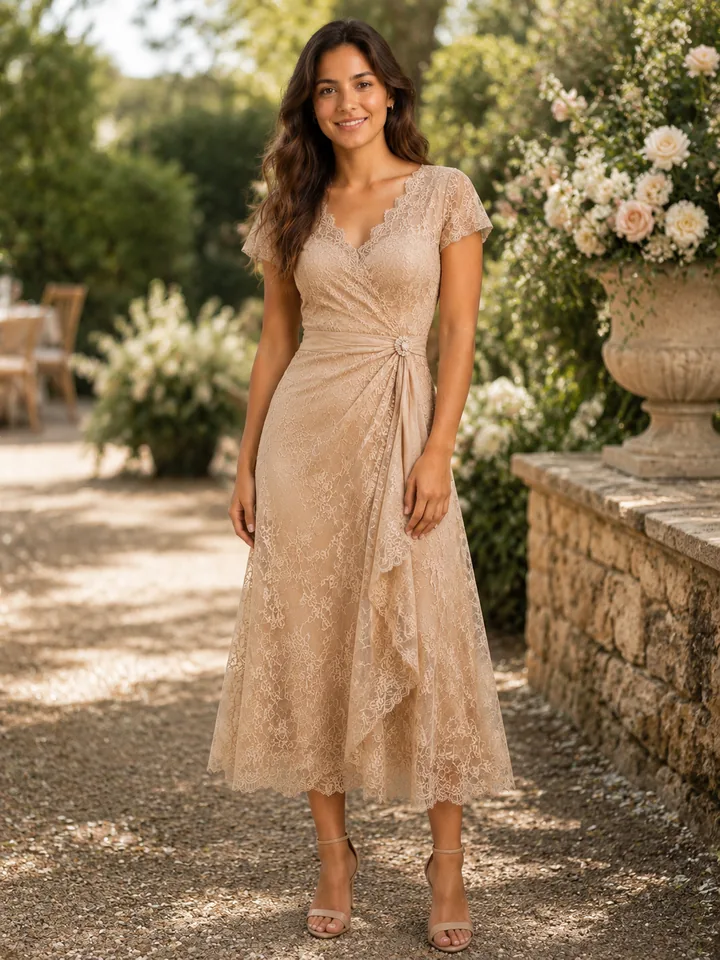
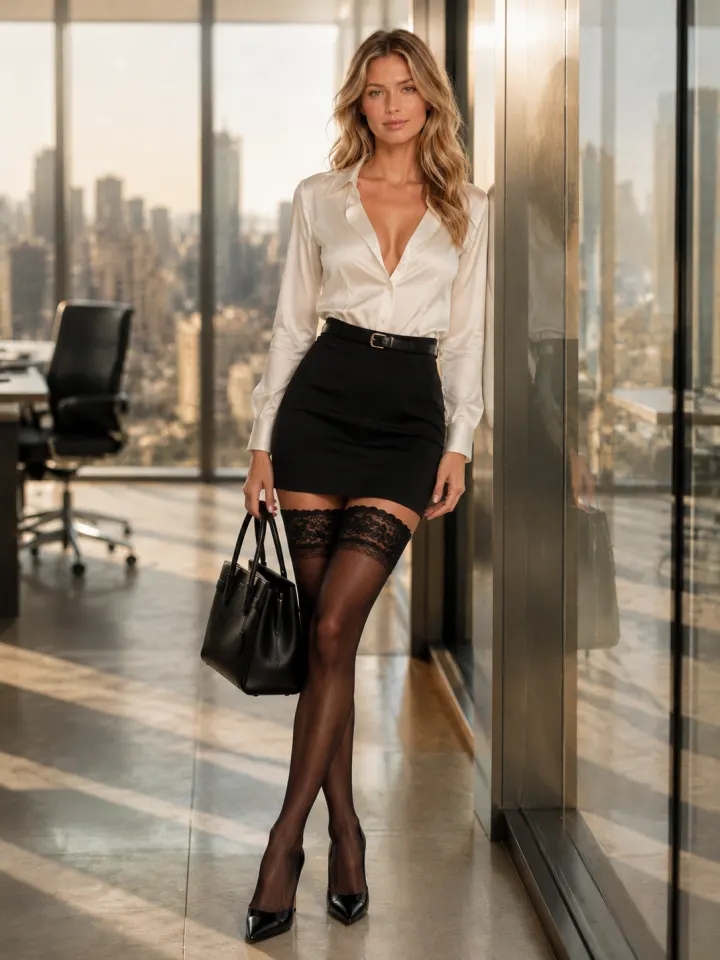
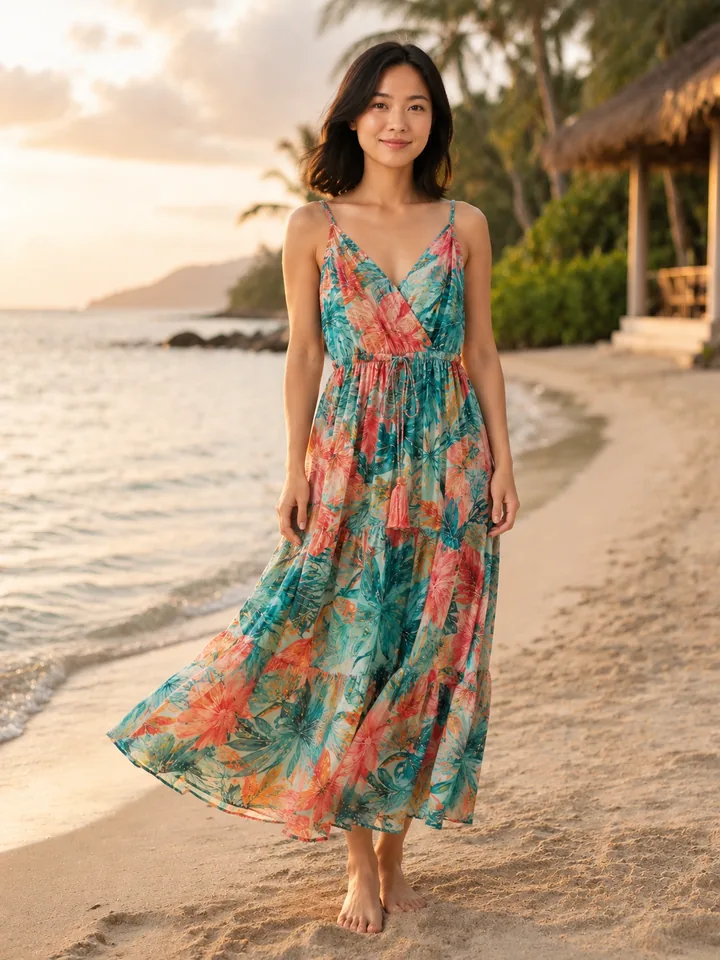
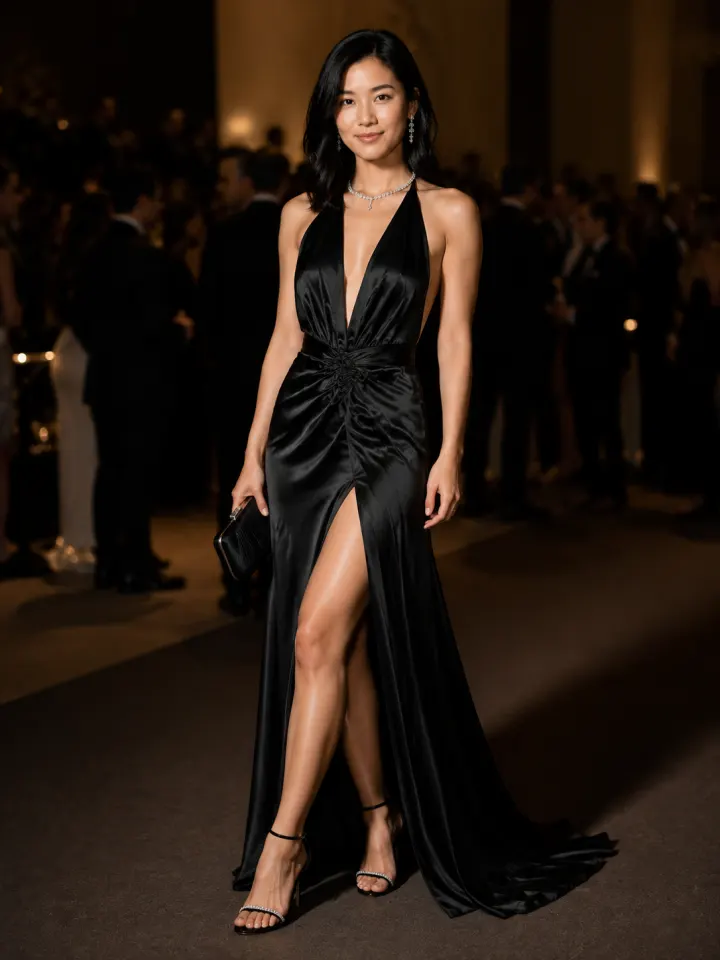
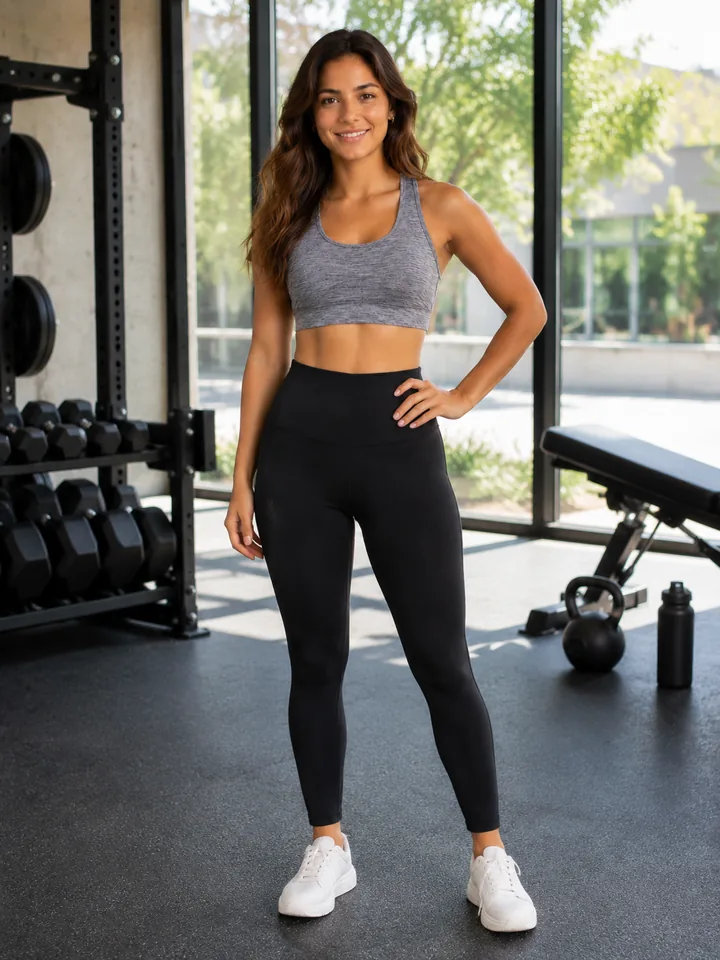
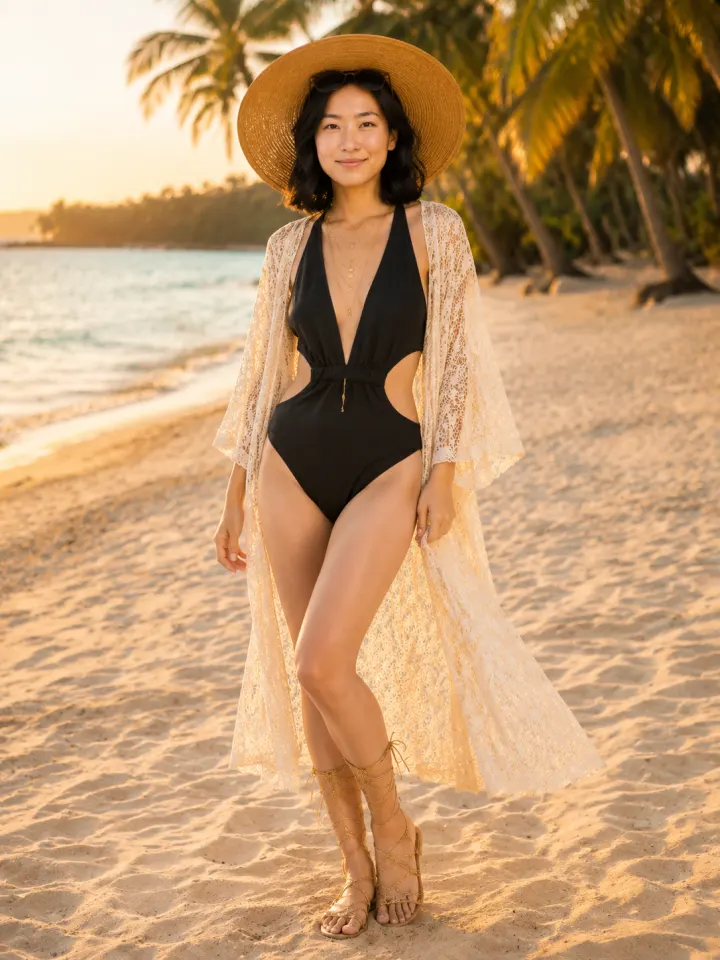
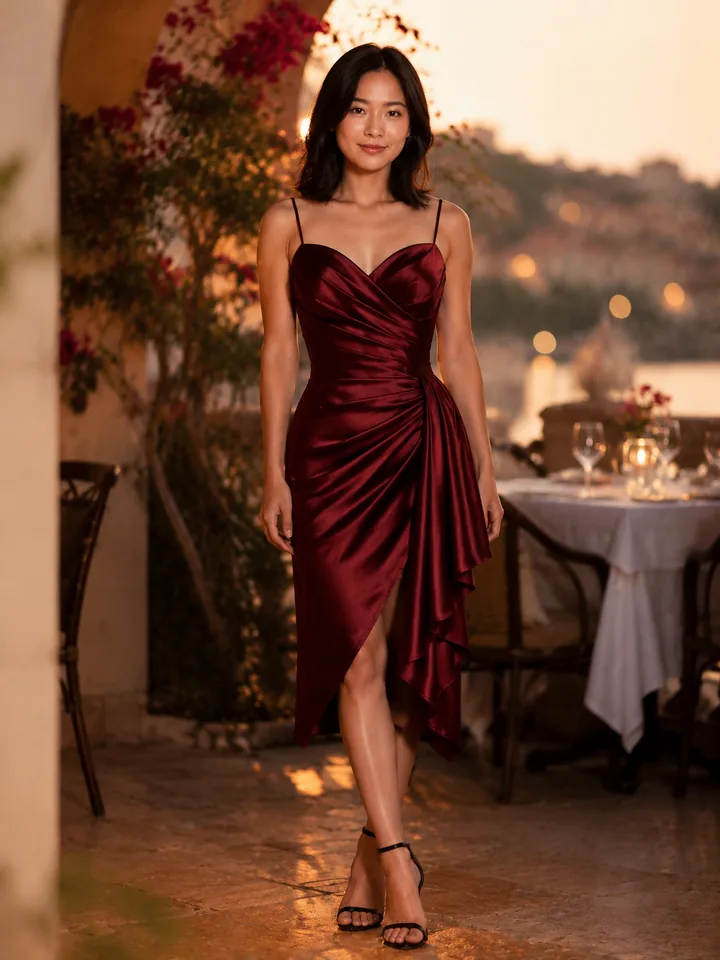
Designs from real creators
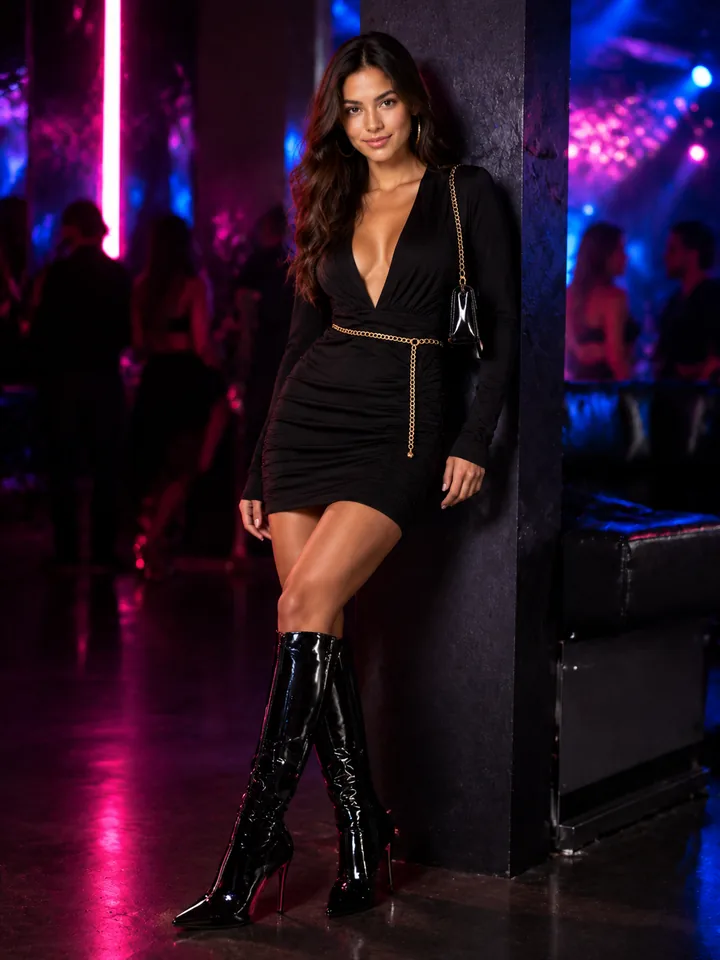
Every design below was generated with this AI photo editor from a single text prompt. No Photoshop, no templates, no restrictions.
From Idea to AI Image in 4 Steps
Describe Your Design
Type a text prompt describing what you want — a vintage logo, a geometric pattern, a cartoon character. Be as detailed or as vague as you like.
Upload a Reference (Optional)
Got a sketch or existing design? Upload it as a reference image. The AI uses your visual input alongside the text prompt for more accurate results.
AI Generates Your Design
Our AI turns your prompt into a new image or applies your requested edit to the reference photo. Text-to-image supports aspect ratios; image edits follow the main reference.
Download & Use Anywhere
Download the generated image and use it in your next workflow. Output format and dimensions depend on the generation mode and source image; commercial license included.
Full Creative Freedom, Zero Limits
No Content Filters
Unlike most AI photo editors that block certain prompts, WearMind gives you full creative control. Your ideas, your designs — no restrictions on style, subject, or complexity.
No Watermarks, Ever
Every design you generate is clean and ready to use. No watermarks, no branding overlays, no "upgrade to remove" tricks. What you create is yours.
Commercial License Included
Sell your AI-generated designs on Etsy, Amazon, Shopify, or your own store. Every output comes with a commercial license at no extra cost — even on the free tier.
Flexible Image Output
Text-to-image uses your selected aspect ratio with a 1024px long edge. Image-to-image edits use the primary reference image dimensions, without a separate resolution selector.
No Credit Card Required
Start with 1 free video plus 10 credits — enough for 2 high-quality designs. No payment info needed. Upgrade only when you need more generations.
Unlimited Styles & Subjects
From minimalist line art to photorealistic illustrations. Vintage, streetwear, kawaii, abstract — the AI handles any style you describe with no restrictions.
Start Creating with No Restrictions
1 free video + 10 credits when you sign up. No credit card, no watermarks, no limits on what you can create.
Frequently Asked Questions
Is this AI photo editor really free with no restrictions?▾
Yes. Sign up and get 1 free video plus 10 credits — enough for 2 designs. There are no content restrictions, no watermarks, and no hidden fees. You only pay when you need more credits.
What does 'no restrictions' actually mean?▾
It means you have full creative freedom over what you generate. No blocked prompts, no content filters, no style limitations. You describe it, the AI creates it. Every output includes a commercial license.
What resolution are the generated images?▾
For text-to-image, your selected aspect ratio is generated with a 1024px long edge. For image-to-image, output dimensions follow the primary reference image, so there is no separate resolution selector.
Can I use a reference image with this AI photo editor?▾
Absolutely. Upload any reference image — a sketch, an existing design, or a photo — and describe what you want to change. The AI uses your visual input alongside your text prompt for more accurate results.
How is this different from other AI photo editors?▾
Most AI photo editors focus on either generation or retouching. WearMind supports both text-to-image and image-to-image workflows in one page, with clear 5-credit base pricing before VIP discounts and commercial licensing included.
Can I sell the designs I create?▾
Yes. Every design you generate comes with a commercial license. Sell on Etsy, Amazon Merch, Redbubble, Shopify, or any platform you choose. No extra fees for commercial use.
How many designs can I create for free?▾
You start with 1 free video plus 10 credits. Each image generation or edit costs 5 credits before VIP discounts, so the signup credits cover up to 2 base images. No credit card required to start.