
免費 AI 影片產生器
無創作限制
上傳任何照片並描述動作,即可產生 5 秒或 8 秒的 SD、HD 影片。註冊即送 10 積分,無需信用卡。
將圖片拖到此處
影片預覽
範例試試範例
讓畫面 引人入勝
三步把任意一張時尚靜態照變成可以走秀的短片。
1. 上傳圖片
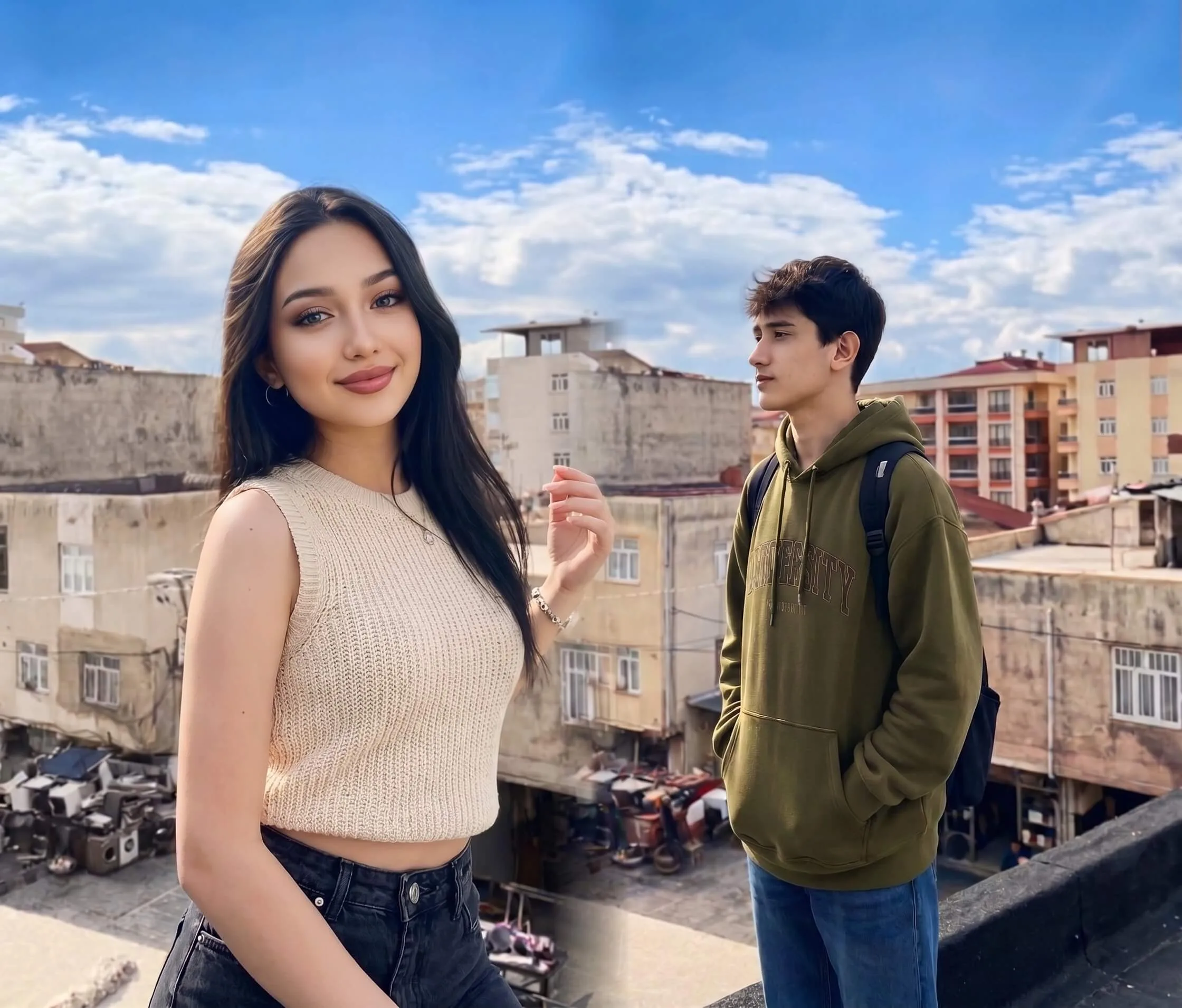
2. 描述動作
"The scene should be set from the first moment, with the couple's lips pressed together, conveying hungry desire. The medium shot framing should showcase their upper bodies, with one person gently cupping the other's face while their other hand caresses their partner's chest through clothing..."
3. 取得影片
一張照片,加一句想讓它發生什麼。大約一分鐘後拿到一段短片——可以直接發 TikTok、Reels 或放到商品頁。
動態時尚展示
看看我們的 AI 如何賦予靜態圖片電影級真實感、自然的布料物理效果和可控的動作效果。
「電影慢鏡頭,自信走步,優雅垂墜...」
「電影慢鏡頭,自信走步,優雅垂墜...」
「電影慢鏡頭,自信走步,優雅垂墜...」
「電影慢鏡頭,自信走步,優雅垂墜...」
「電影慢鏡頭,自信走步,優雅垂墜...」
「電影慢鏡頭,自信走步,優雅垂墜...」
「電影慢鏡頭,自信走步,優雅垂墜...」
「電影慢鏡頭,自信走步,優雅垂墜...」
「電影慢鏡頭,自信走步,優雅垂墜...」
「電影慢鏡頭,自信走步,優雅垂墜...」
「電影慢鏡頭,自信走步,優雅垂墜...」
「電影慢鏡頭,自信走步,優雅垂墜...」
電影級真實感
先進的物理模擬確保髮絲、布料和光影對運動做出自然反應。AI 能理解不同服裝的材質特性,呈現逼真的垂墜和飄動效果。
文字驅動的精準控制
“The scene should be set from the first moment, with the couple's lips pressed together, conveying hungry desire. The medium shot framing should showcase their upper bodies, with one person gently cupping the other's face while their other hand caresses their partner's chest through clothing. The partner should be pulling them closer, with their body arching into the kiss. The description should include moments where they lock eyes, displaying raw longing, before their lips meet again. The characters should be dressed in low-cut tops, with deep cleavage visible but nipples hidden beneath fabric. The male character's chest should remain flat and masculine. The scene should convey flushed skin and steamy, intimate chemistry, with a passionate embrace. Ensure the description is vivid, yet respectful, and adheres to a moderate level of sensuality.”
影片生成常見問題
關於圖片動畫化的常見疑問。